How Raptee Maps Works: From Finding Your Destination to Getting There
3 min read
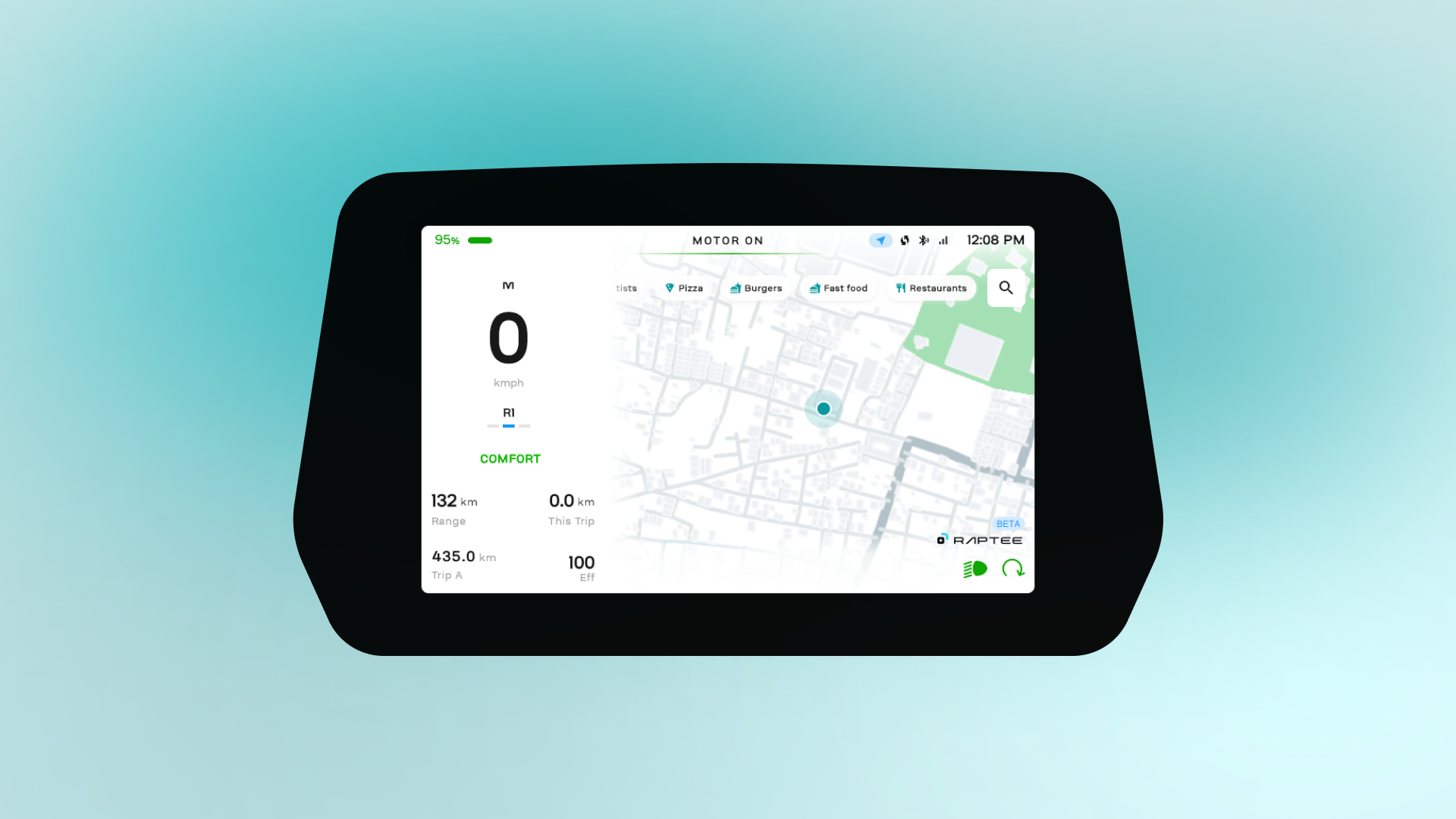
Finding your way shouldn’t take your attention away from the road. That’s why Raptee Maps brings navigation directly to your T30’s dashboard, helping you search for places, find charging stations, follow turn-by-turn directions, and get where you’re going without reaching for your phone. Here’s how it works.
Looking for a place? Just search.
Need coffee? Looking for an ATM? Trying to find a place to eat?
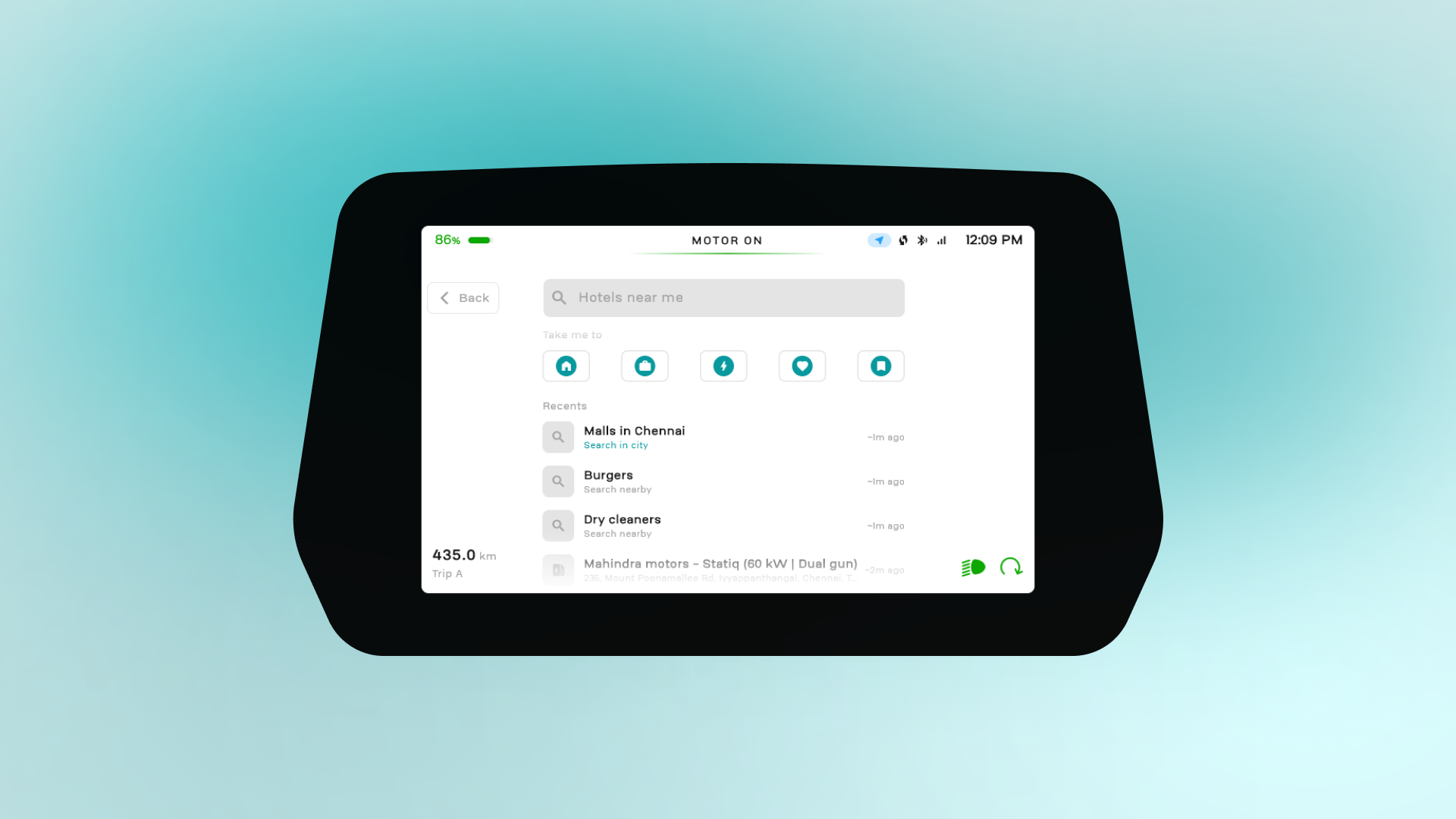
Tap the search bar and Raptee Maps gives you suggestions like “Cafes near me” or “ATMs near me.”
And if you don’t feel like typing, just tap Coffee, Food, Charging, or Fuel. Pick what you need, and you’re on your way.
Not sure which turn is coming up?
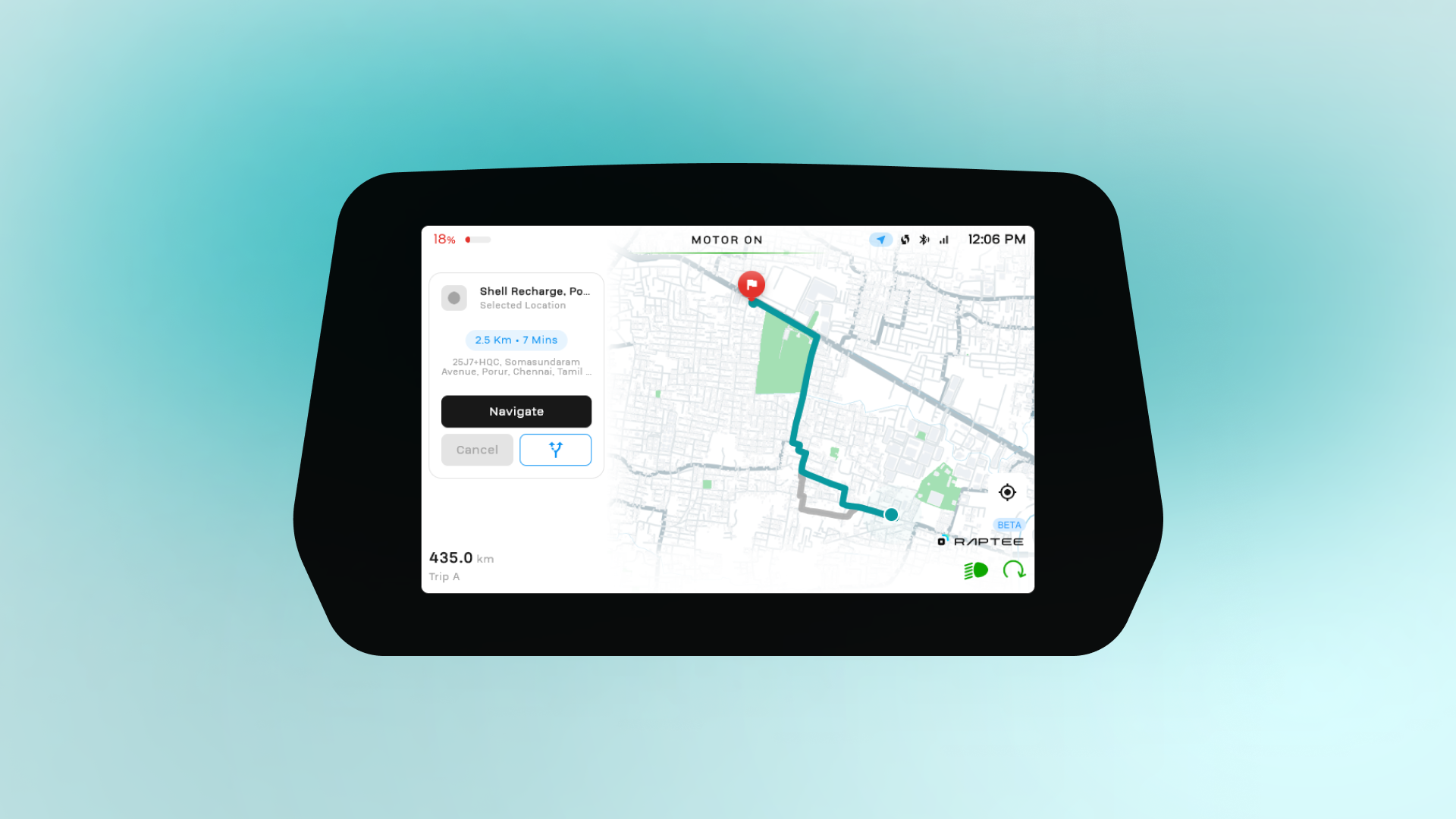
Once you pick your destination, Raptee Maps keeps the route simple and easy to follow.
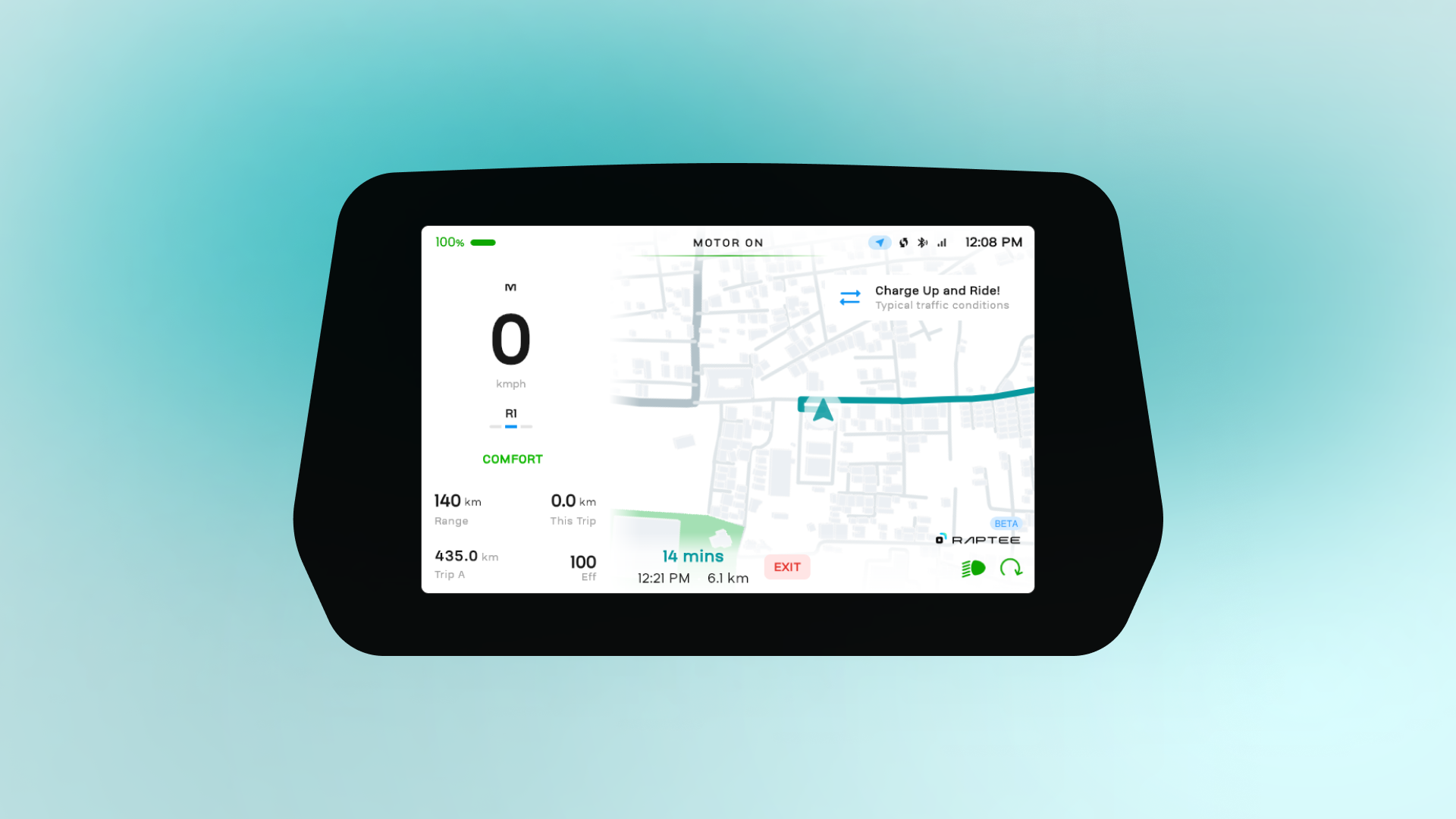
The road you’ve already covered fades into the background, while the road ahead lights up in bright teal. So instead of trying to figure out the whole route, you can focus on what’s right in front of you.
Coming up to a turn? The map automatically zooms in. Back on a straight road? It zooms out again.
You’ll also get a countdown to your next turn. And when it’s time to turn, it simply says “Now.”
Plus, you get a quick look at the turn after that, so you can get into the right lane before you reach it.
What if the network or GPS disappears?
We’ve all been there. You enter a tunnel, get stuck under a flyover, or ride through an area where the network isn’t great. But it’s not just the network; GPS can also become unreliable, especially inside tunnels.
That’s where Raptee Maps uses sensor fusion, combining GPS with your bike’s speed and other vehicle data to keep your location steady, even when signals are weak or unavailable. Plus, maps you’ve already viewed are saved on the bike, so you can keep navigating without interruptions.
Running low on Charge?
Finding a charger shouldn’t become another thing to worry about.
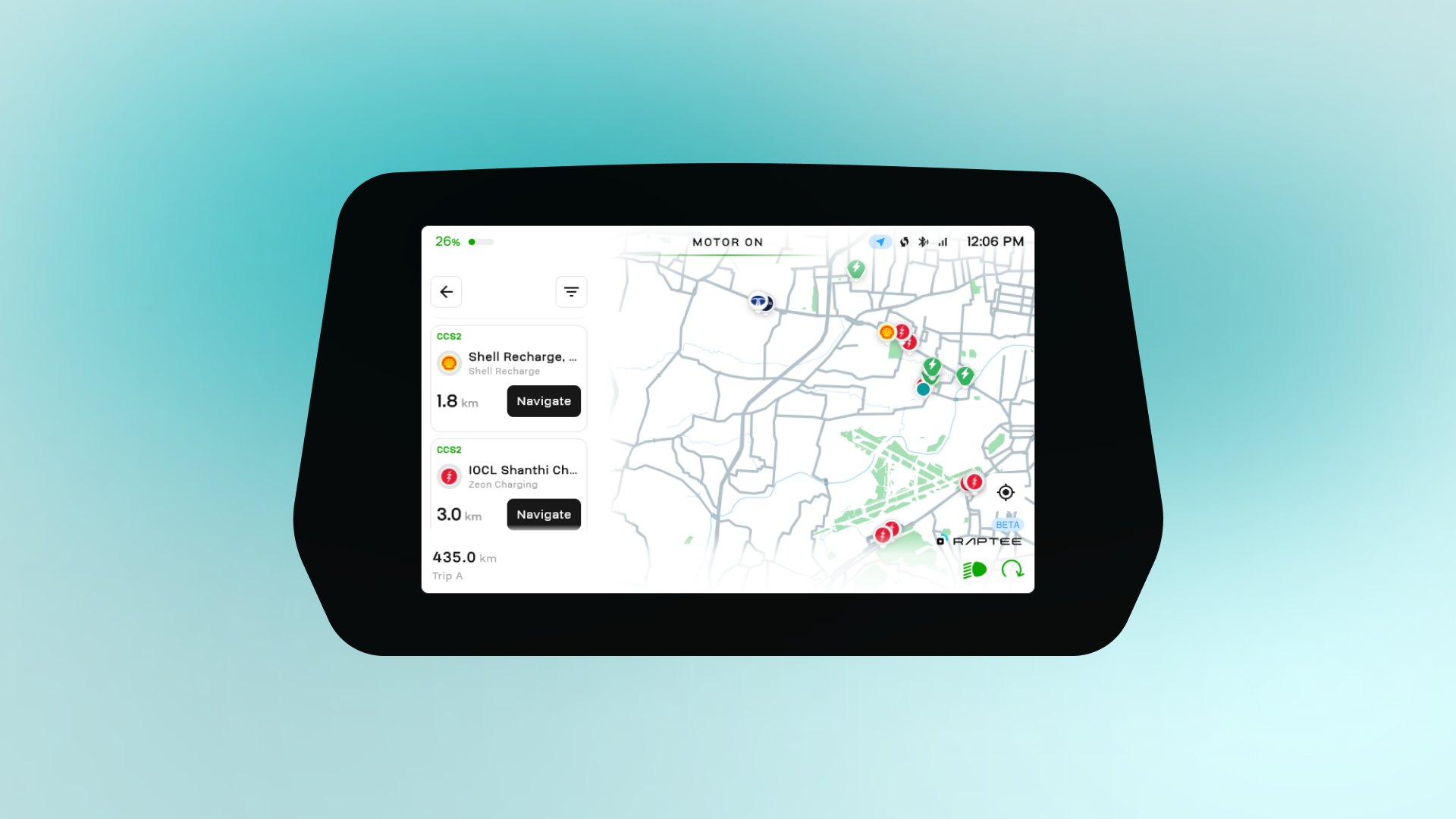
Switch to Charging mode and nearby charging stations show up right on your screen. You can see how fast they charge and whether they’re free.
Want to stick to your favourite charging network? Pick it, choose a station, and Raptee Maps will take you there.
Planning your ride before you leave?
Sometimes you already know where you want to go before you even get on the bike.
Maybe you’ve found a nice route or planned a charging stop on your phone. Just send the route to your bike with one tap.
The next time you start riding, it’s already there waiting for you.
Built around your ride
A map shouldn’t make riding more complicated. It should make it easier.
Raptee Maps puts the things you usually reach for on your phone right on your bike’s dashboard so you can spend less time checking and more time riding.